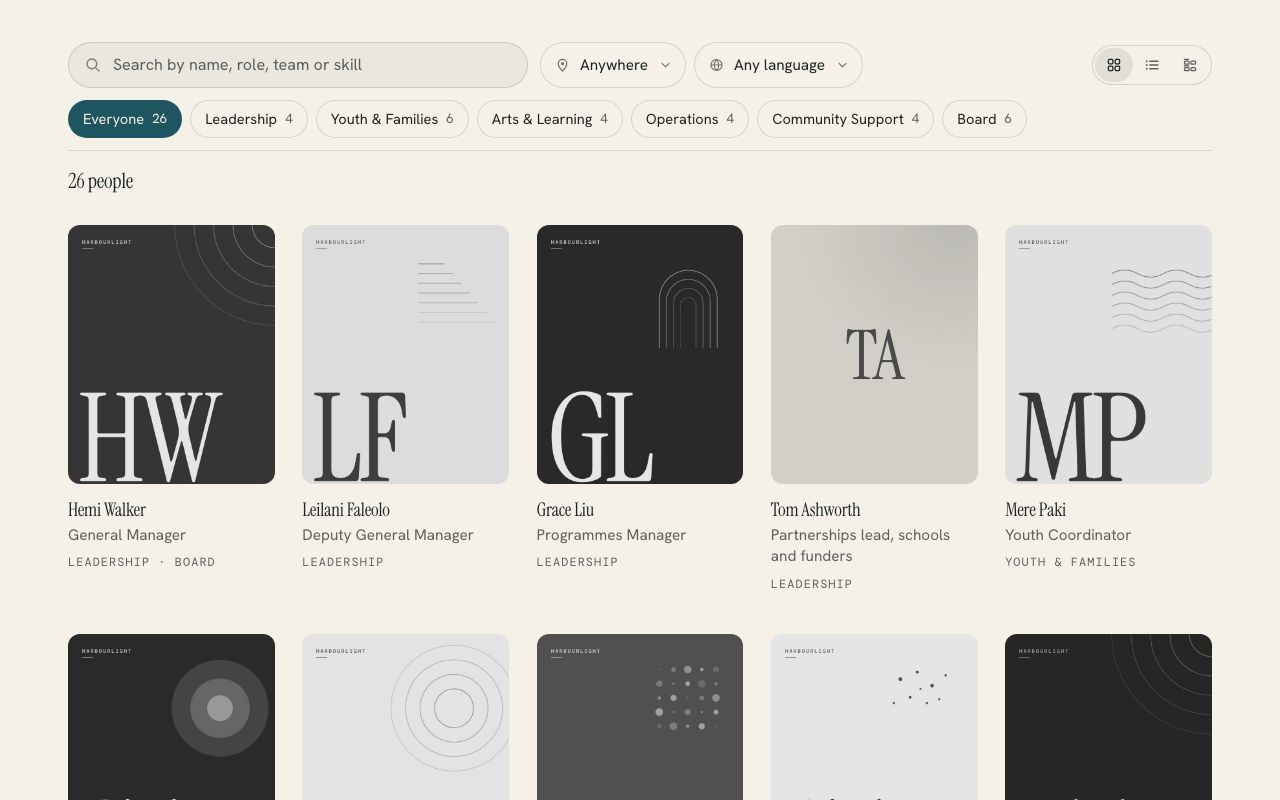
Any organisation with a team
Team Directory
US$39US$99
A searchable staff and volunteer directory you edit like a blog post.
6 plugins · Squarespace 7.0 and 7.1
Made for charities, schools, churches and community groups on Squarespace. Each one turns something you already keep there, like your team, your resources or your events, into a page people can actually use, and you install it with one paste.
Any organisation with a team
US$39US$99
A searchable staff and volunteer directory you edit like a blog post.
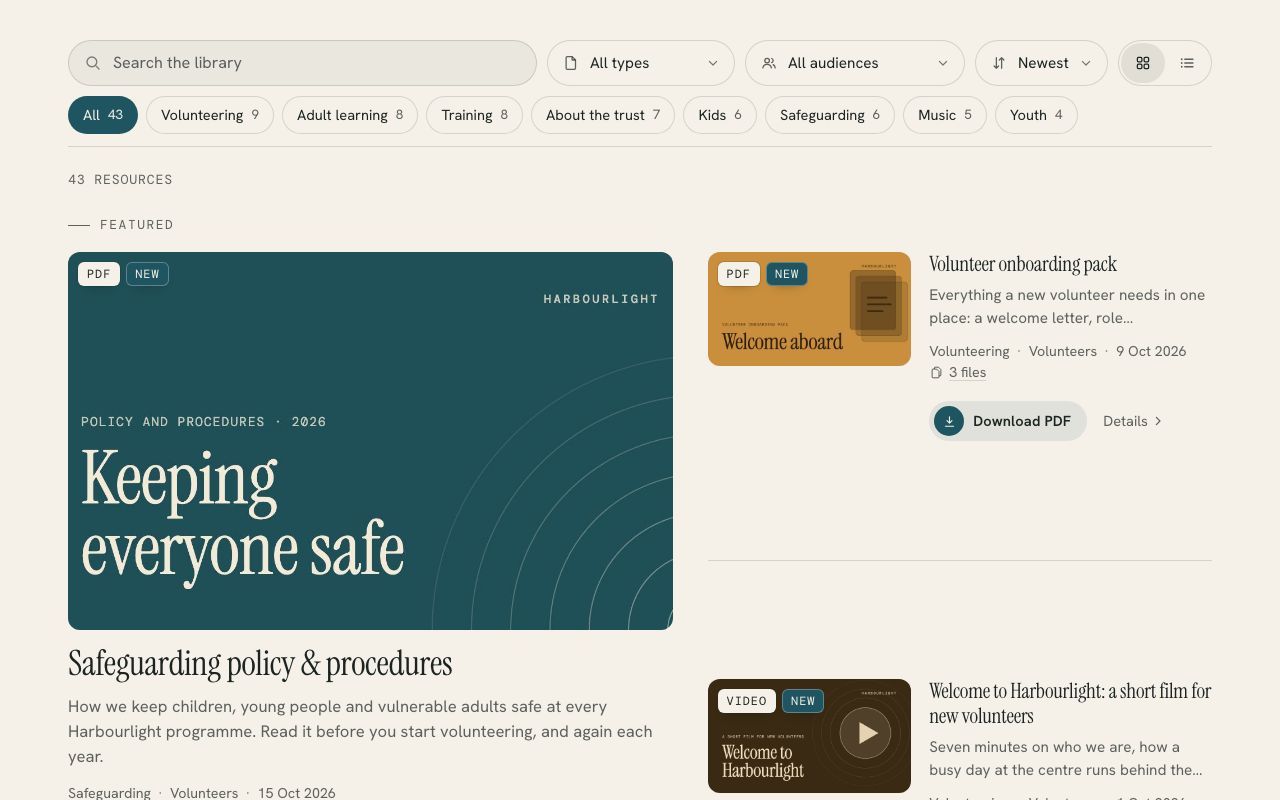
Any organisation with things to share
US$39US$99
A searchable library of downloads, guides and videos, from one blog.
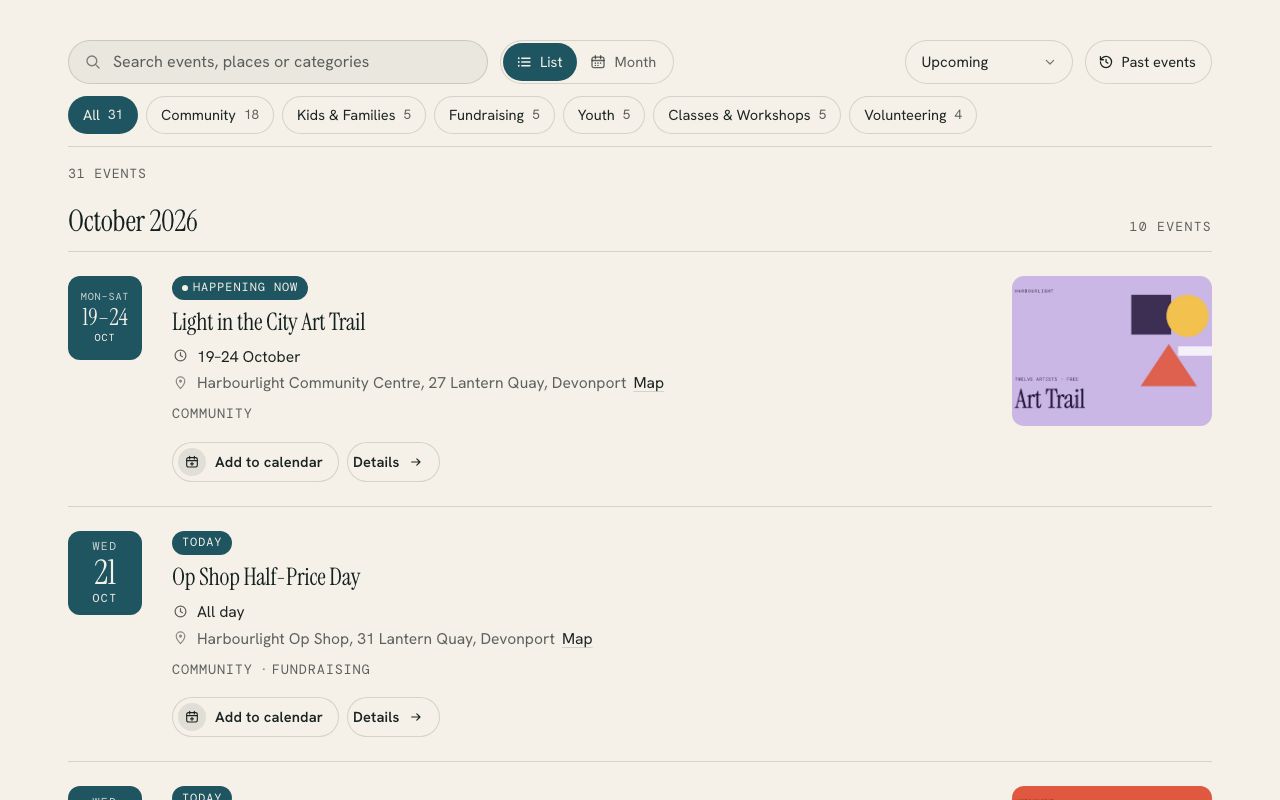
Any organisation that runs events
US$39US$99
Your Squarespace events with filters, a month calendar, maps and add to calendar.
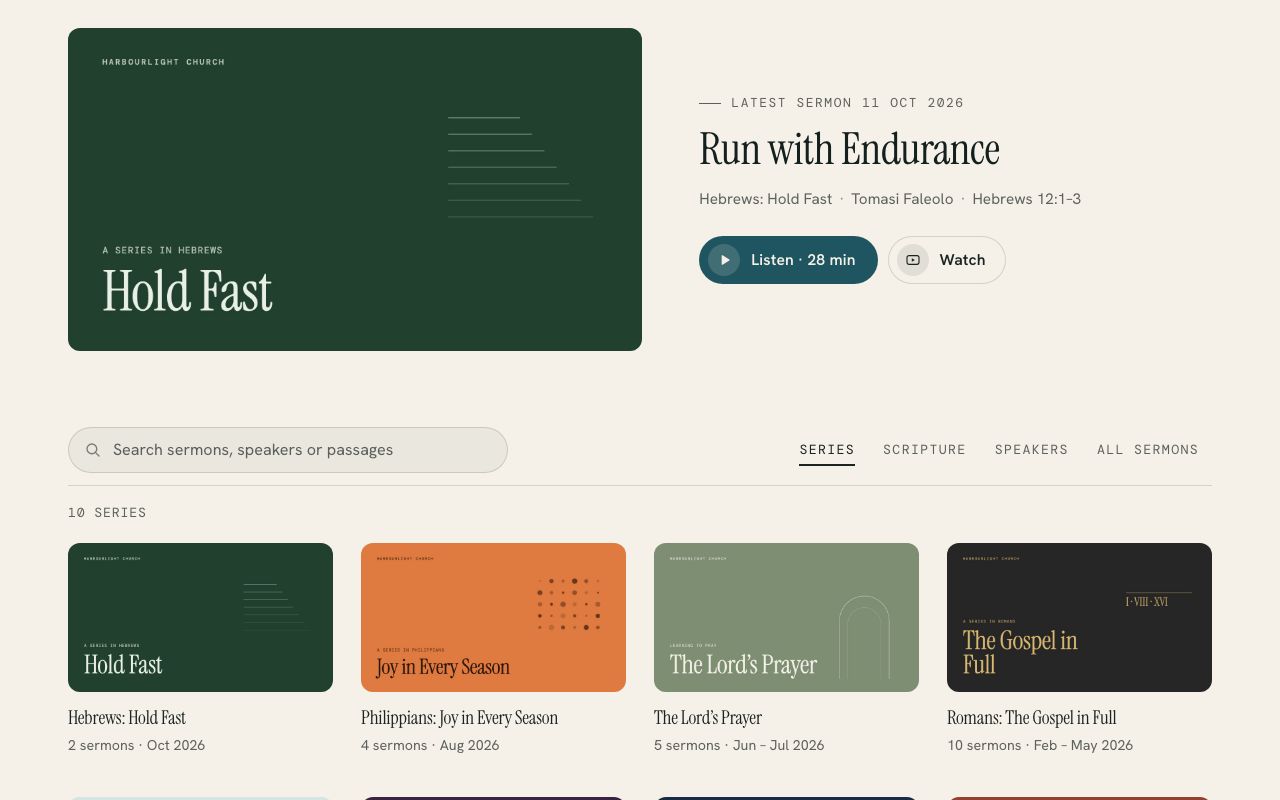
Churches
US$49US$129
Your sermons blog, browsable by series, by book of the Bible and by speaker.
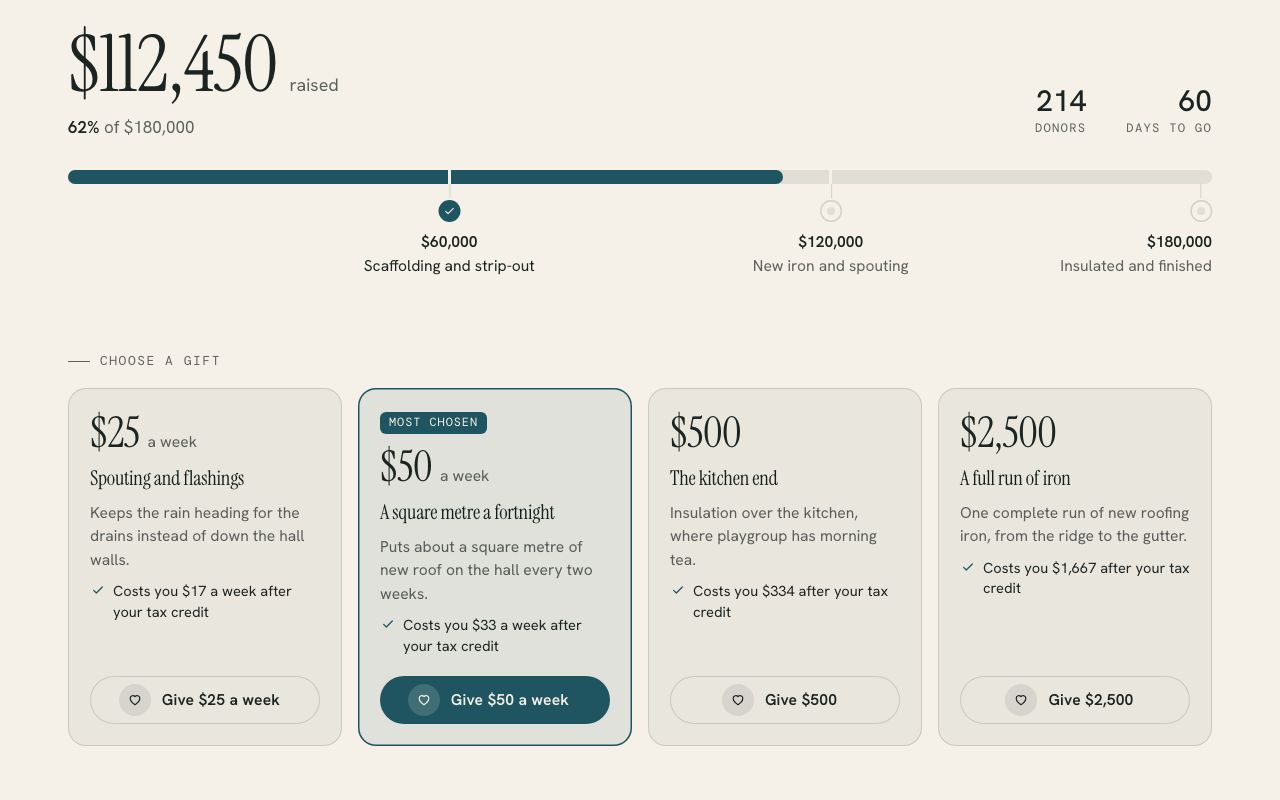
Charities, schools and anyone running an appeal
US$29US$79
Appeal progress, gift levels and a pledge calculator for Squarespace.
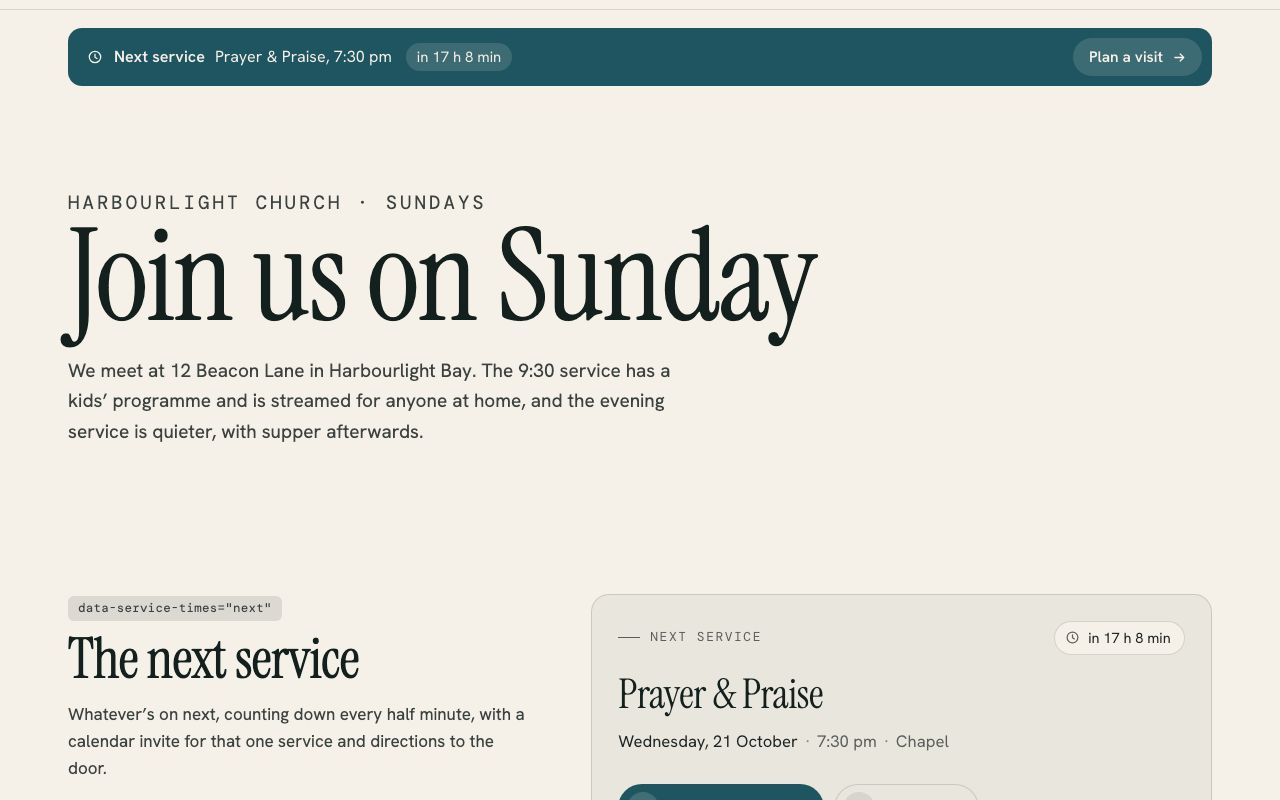
Churches and anything that runs weekly
US$19US$49
Your next service, your weekly times and a “We’re live” banner for Squarespace.
Best value
Every plugin in the library, plus each new one I add in the 1.x line, for one websiteevery website you build or look after.
US$214 Save US$85US$554 Save US$255
US$129US$299paid once
Get all 6 for US$129Get all 6 for US$299 See what’s includedPrices are in US dollars. Checkout shows your local currency and adds any tax that applies where you are.
How it works
Every plugin reads content you already manage in Squarespace, so whoever looks after your website can set it up without a developer.
Buy the plugin, and the download arrives by email with an install guide written for whoever looks after the website.
Paste one file into a Squarespace Code block and tell it which blog or page to read, which is usually the only setting.
Open the setup check (the guide gives you the address) and it tells you what it found and anything left to fill in.
Who makes these
I’ve spent the last decade in communications for organisations doing good work, and Singh Studio builds websites for charities, schools, churches and trusts here in Aotearoa. These plugins started as things I built for clients, like a team finder for a youth organisation, a resource hub, a news library and an appeal page, and I rebuilt them so any organisation on Squarespace could use them.
If something doesn’t work the way you hoped, you’ll be emailing me, and I’ll be the one who fixes it. More about the studio.
Questions
Any plan that runs JavaScript: Core, Plus and Advanced on the current plans, and Business, Commerce Basic and Commerce Advanced on older ones. The Basic and Personal plans block custom scripts, so the plugins can’t run there. They work on Squarespace 7.0 and 7.1.
No. Each plugin is a single payment, and every update in its 1.x version is included. The licence covers one website, or any number of websites with the unlimited licence.
You paste one file into a Squarespace Code block and change one setting, usually the address of the blog or page it reads. Each download comes with an install guide written for whoever looks after the website, and a setup check that tells you what it found.
Prefer it done for you? I’ll install and set up any plugin on your site for US$79, including tagging a first batch of content so it looks full on day one.
Email me with the page address and I’ll help you get it working. Because the plugins are digital downloads, purchases aren’t refundable, which is why every plugin has a live demo to try first.
Every plugin is checked in Chrome, Safari and Firefox from phone to desktop widths, and the ones that read your content are tested on live Squarespace sites too.
No. They read your own site’s public content and keep a copy in each visitor’s browser to load faster. There’s no tracking and nothing is sent to an outside server.